Saving your data in HDF4
The HDF API is available in FORTRAN and C. This tutorial uses a real data base, the Mediterranean Oceanic Data Base (MODB) at the University of Liège, Belgium, and shows how to read its raw format and save it as HDF. You can adapt the examples to your own data format.
The data sets used are the MODB seasonal gridded data (salinity, temperature and current velocities of the Mediterranean Sea) and ETOPO5, gridded bathymetry and elevations for the whole world. The files used in the examples are below.
Example 1: scalar data
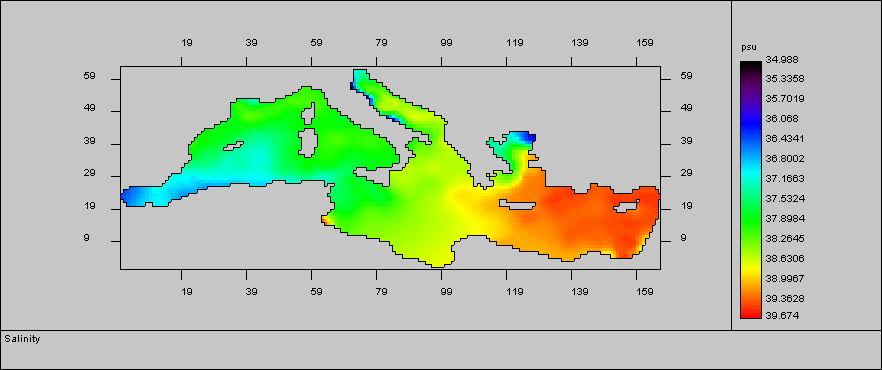
Reads a MODB scalar data file and saves it as HDF, with dimension scales and text annotations.
| MODB data file | autmedoo.sal.zip |
| FORTRAN source | modb2hdf_ex1.f |
| HDF output | MODB_ex1.hdf |
Example 2: vector data
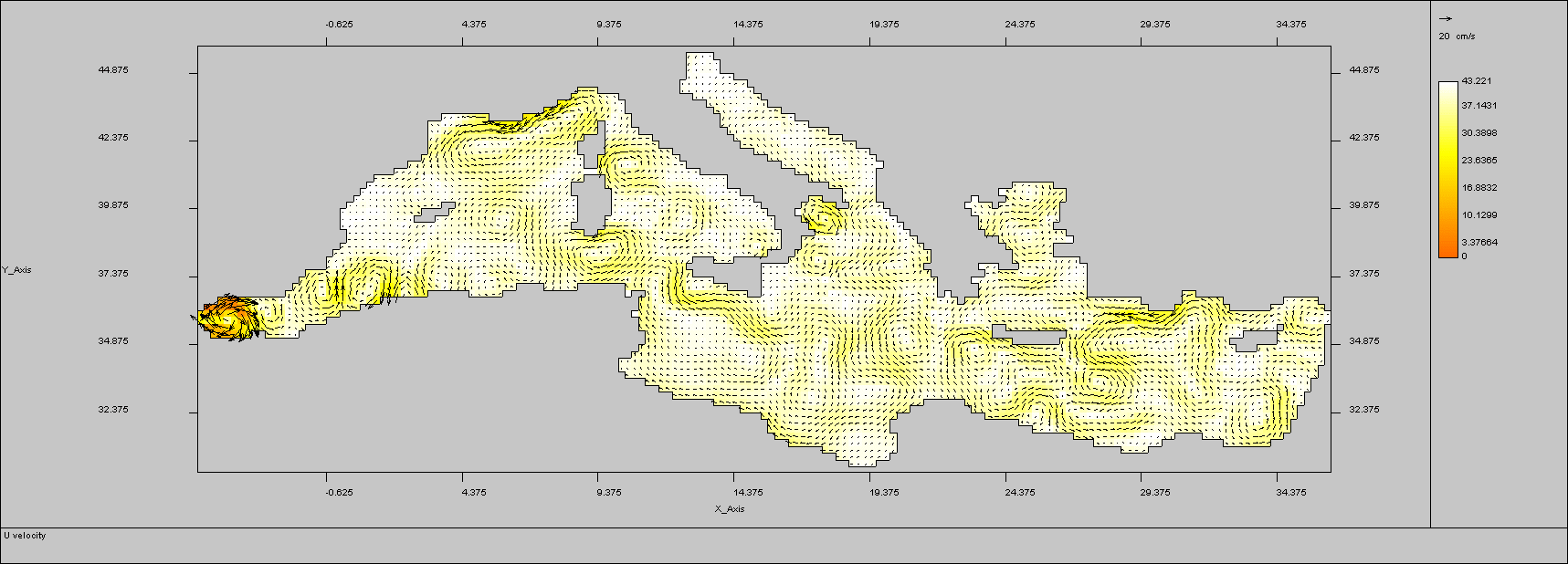
Reads two MODB files, the two components of the sea current velocity, and saves them as two HDF SDS. HDF Explorer can then show them as scalar or vector images.
| MODB data files | summedoo.u.zip, summedoo.v.zip |
| FORTRAN source | modb2hdf_ex2.f |
| HDF output | MODB_ex2_uv.hdf |
ETOPO5 data base
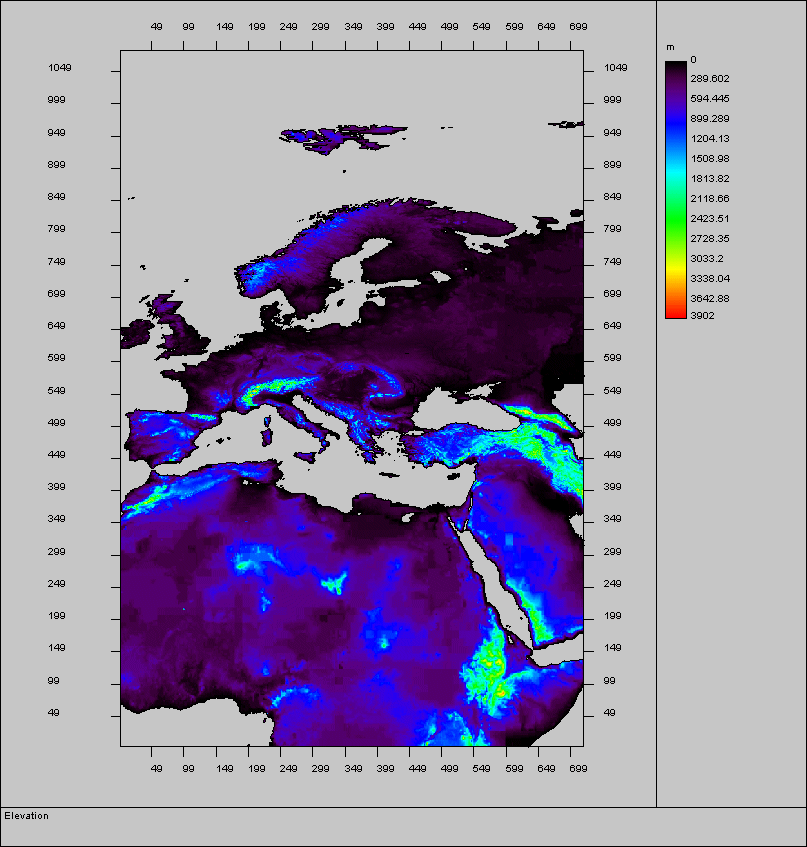
Reads the raw ETOPO5 file and saves it as an HDF SDS. ETOPO5 uses negative values for bathymetry and positive values for land elevation, so either can be turned into a fill value, which HDF Explorer leaves out of the map.
| ETOPO5 file (Europe and part of Africa) | extract2-etopoe10abbd6.z (notes) |
| FORTRAN source | etopo2hdf.f |